
How Two-Factor Authentication Protects Your Accounts

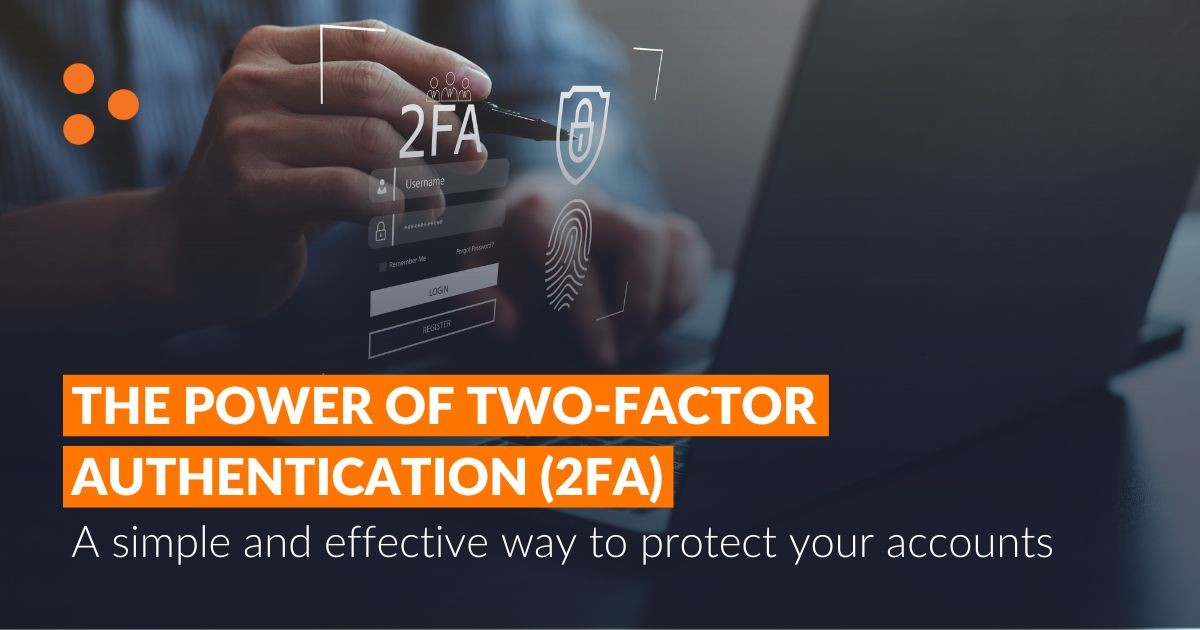
How Two-Factor Authentication Protects Your Accounts
Passwords have long been the first line of defense for our online accounts. However, as cyber threats continue to evolve, passwords alone are often no longer enough to keep sensitive information secure.
This is where Two-Factor Authentication (2FA) comes in.
Two-Factor Authentication adds an extra layer of security to your accounts, making it significantly more difficult for cybercriminals to gain unauthorized access—even if they know your password.
What Is Two-Factor Authentication?
Two-Factor Authentication is a security process that requires users to provide two different forms of verification before accessing an account.
Typically, these factors fall into three categories:
- Something you know — such as your password or PIN.
- Something you have — such as your smartphone or security key.
- Something you are — such as your fingerprint or facial recognition.
Most 2FA systems combine your password with a second verification method, usually a temporary code or biometric confirmation.
How Does 2FA Work?
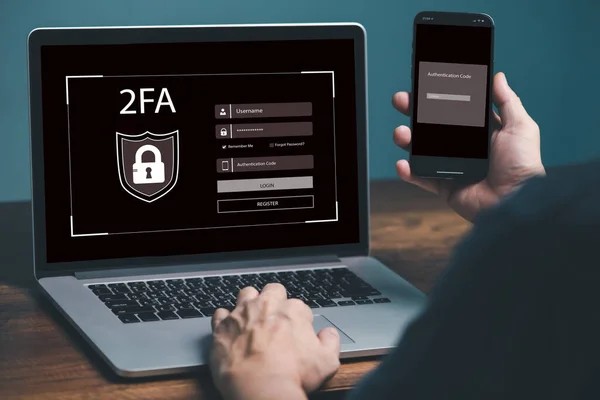
A typical login process with 2FA looks like this:
- You enter your username and password.
- The system requests a second form of verification.
- You provide the verification code or biometric confirmation.
- Access is granted only after both steps are completed.
Even if an attacker steals your password, they still need access to the second factor to log in successfully.
Common Types of Two-Factor Authentication
1. SMS Verification Codes
After entering your password, a one-time code is sent to your mobile phone via text message.
While this method is better than using passwords alone, it is generally considered less secure than app-based authentication.
2. Authentication Apps
Authentication applications generate temporary codes that change every few seconds.
These apps are widely regarded as more secure than SMS verification because they are less vulnerable to interception.
Popular authentication applications include:
- Google Authenticator
- Microsoft Authenticator
- Authy
3. Hardware Security Keys
These physical devices connect through USB, NFC, or Bluetooth to verify your identity.
They offer one of the strongest forms of account protection available today.
4. Biometric Authentication
Some services use fingerprints, facial recognition, or other biometric information as the second factor.
Modern smartphones commonly support these methods.
Why Is Two-Factor Authentication Important?
Protection Against Stolen Passwords
Data breaches occur regularly, and passwords can sometimes be exposed without users realizing it.
2FA helps prevent attackers from accessing accounts even if they obtain login credentials.
Defense Against Phishing Attacks
Cybercriminals often trick users into revealing passwords through fake websites and emails.
With 2FA enabled, stolen passwords alone are usually not enough to access the account.
Improved Business Security
Businesses often store customer records, financial information, and confidential documents online.
Adding 2FA reduces the risk of unauthorized access and can help protect sensitive business data.
Reduced Risk of Account Takeovers
Social media accounts, email accounts, and cloud services are valuable targets for attackers.
2FA provides an additional barrier that significantly reduces account takeover attempts.
Which Accounts Should Use 2FA?
Ideally, every important account should have Two-Factor Authentication enabled, especially:
- Email accounts
- Banking applications
- Social media accounts
- Business systems
- Cloud storage services
- Online marketplaces
- Website administration accounts
Your email account is particularly important because many password reset requests are sent there.
Is Two-Factor Authentication Perfect?
No security solution is completely foolproof.
Certain forms of 2FA, particularly SMS-based verification, may still be vulnerable to advanced attacks such as SIM swapping.
However, using 2FA is considerably safer than relying solely on passwords.
Security experts generally recommend enabling it wherever possible.
Best Practices for Using 2FA
To maximize protection:
- Use an authentication app when available.
- Store backup recovery codes securely.
- Keep your phone and devices protected.
- Avoid sharing verification codes with anyone.
- Review account security settings regularly.
The Future of Account Security
Technology companies are increasingly adopting alternatives such as passkeys and biometric authentication.
These technologies aim to reduce reliance on passwords while improving both convenience and security.
However, for the foreseeable future, Two-Factor Authentication remains one of the simplest and most effective ways to protect online accounts.
Final Thoughts
Cybersecurity threats continue to evolve, but many attacks still succeed because accounts rely on passwords alone.
Enabling Two-Factor Authentication takes only a few minutes and can dramatically improve your account security.
In today's digital world, adding a second layer of protection is no longer just a recommendation—it is becoming an essential part of staying safe online.
Frequently Asked Questions
What's Your Reaction?
 Like
0
Like
0
 Dislike
0
Dislike
0
 Love
0
Love
0
 Funny
0
Funny
0
 Wow
0
Wow
0
 Sad
0
Sad
0
 Angry
0
Angry
0












Comments (0)